Regular price
£485.00
Sale price
£485.00
Regular price
£485.00

EAN: 6937224131712

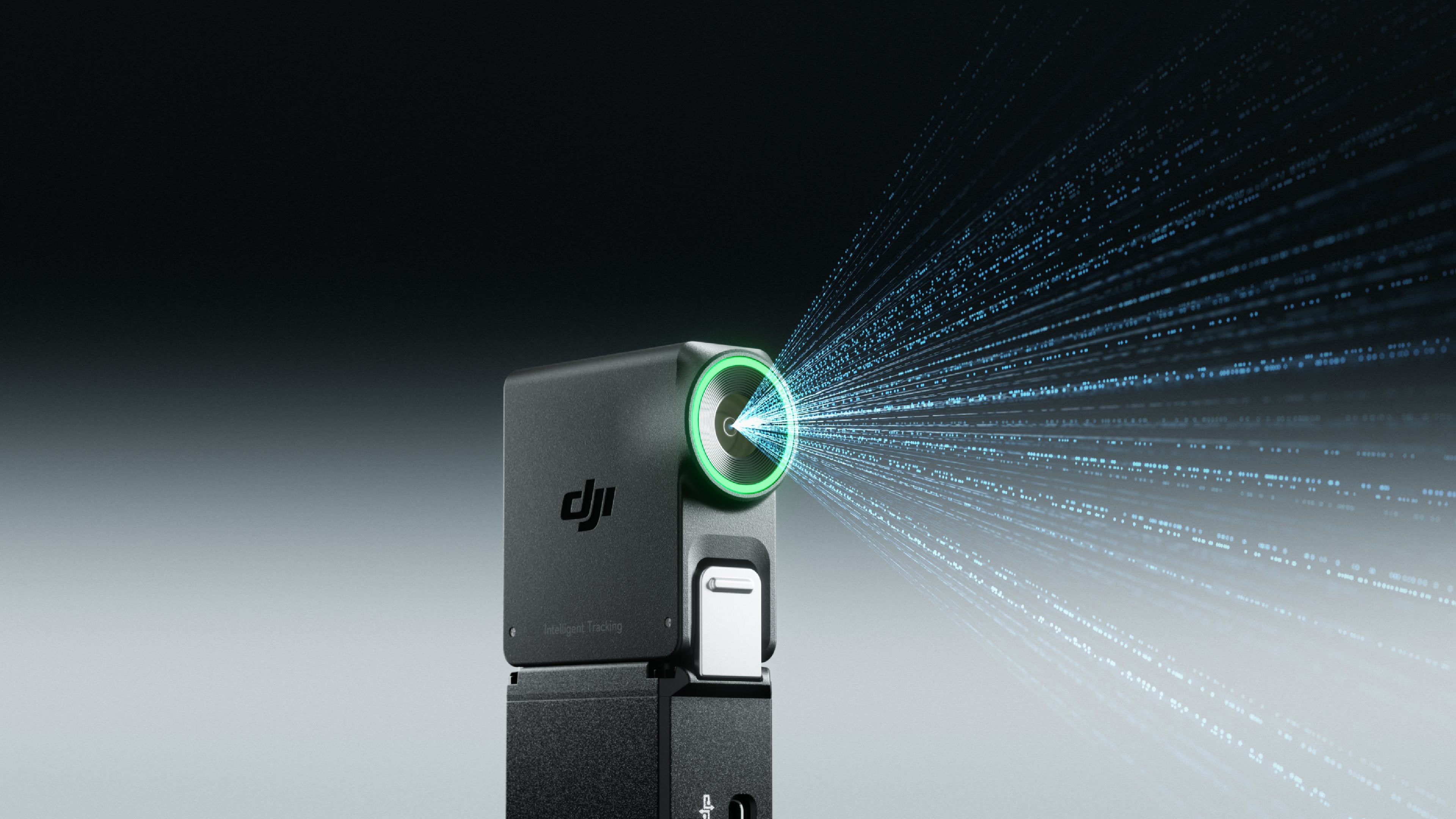
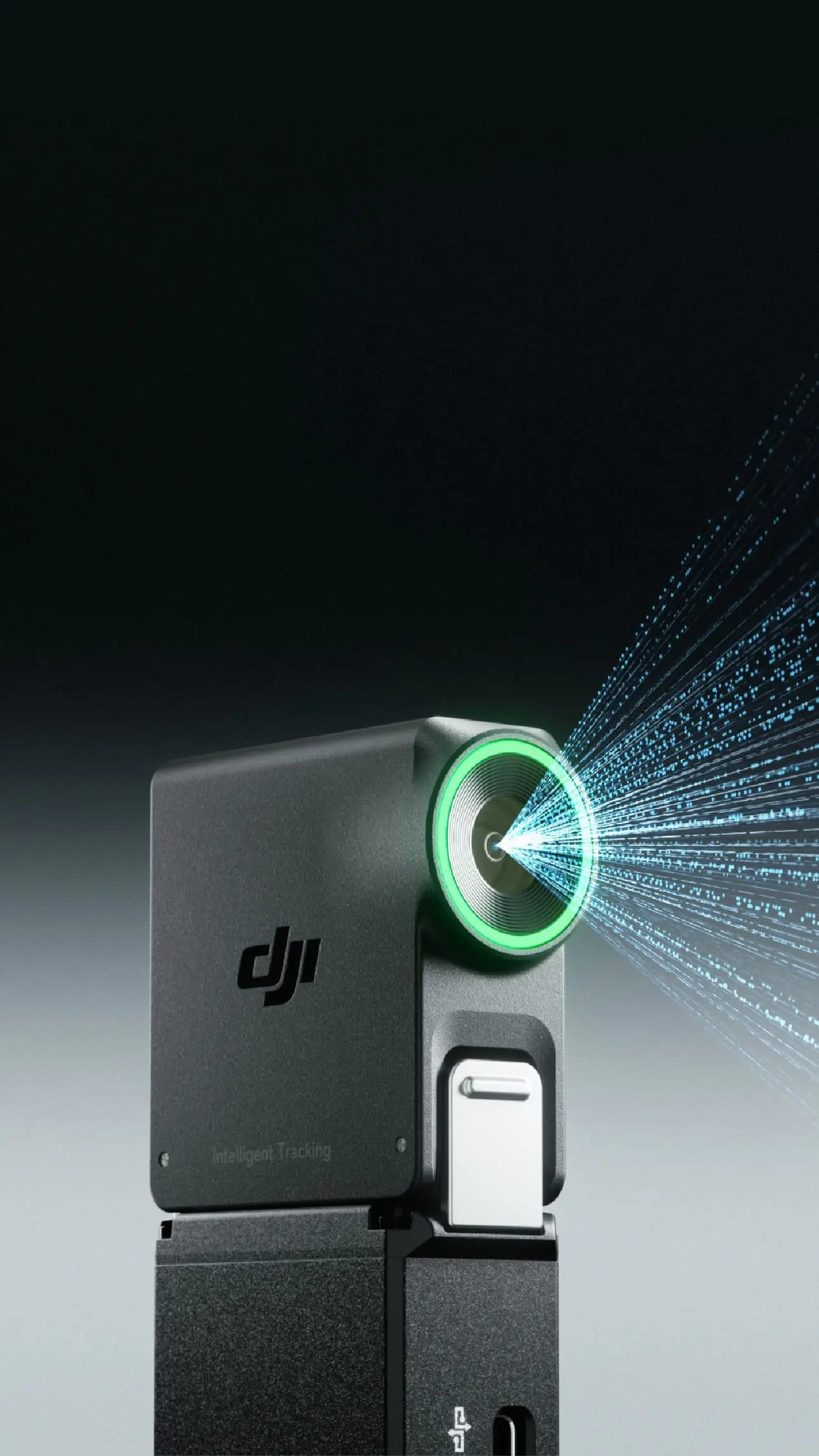
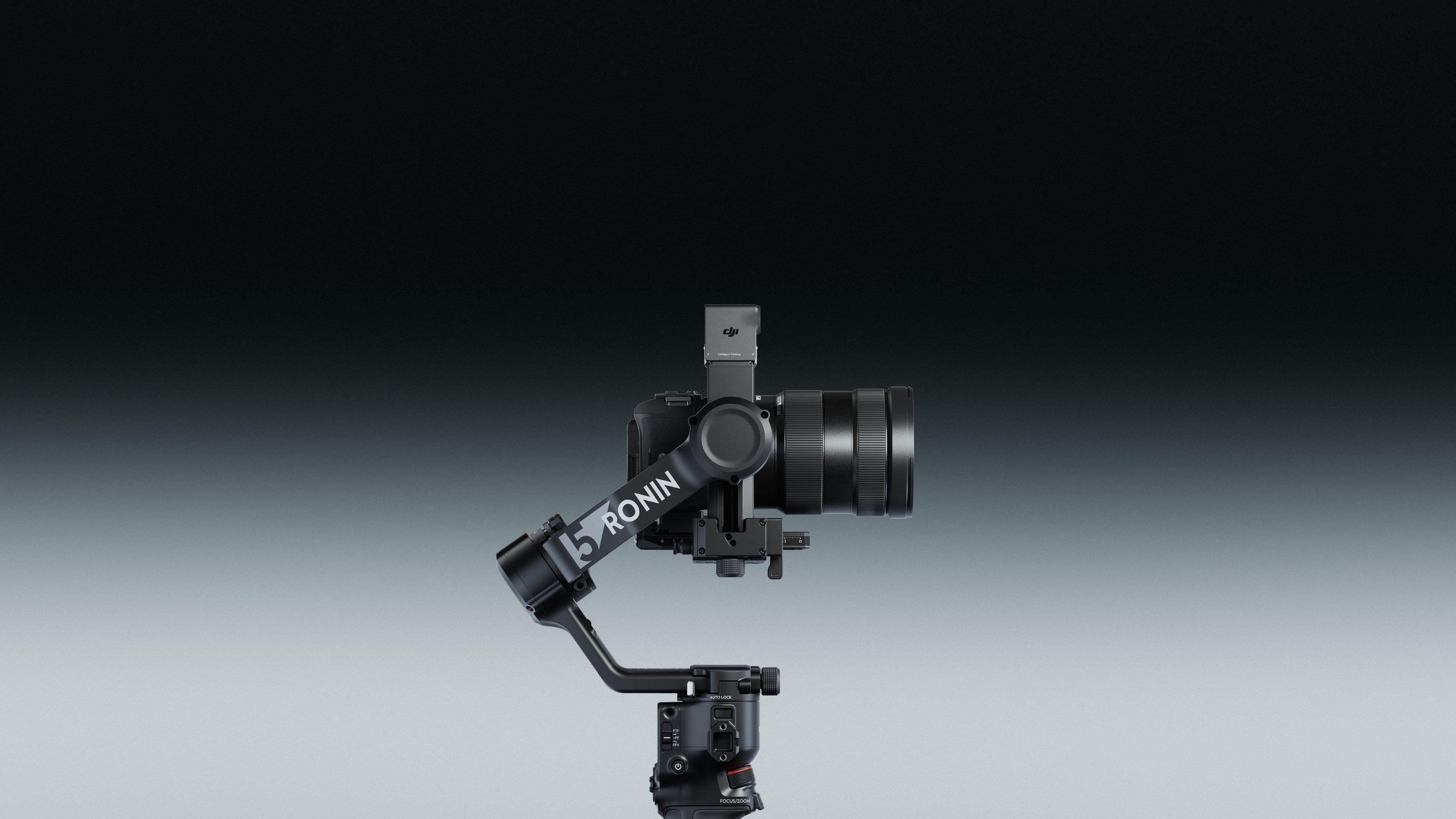
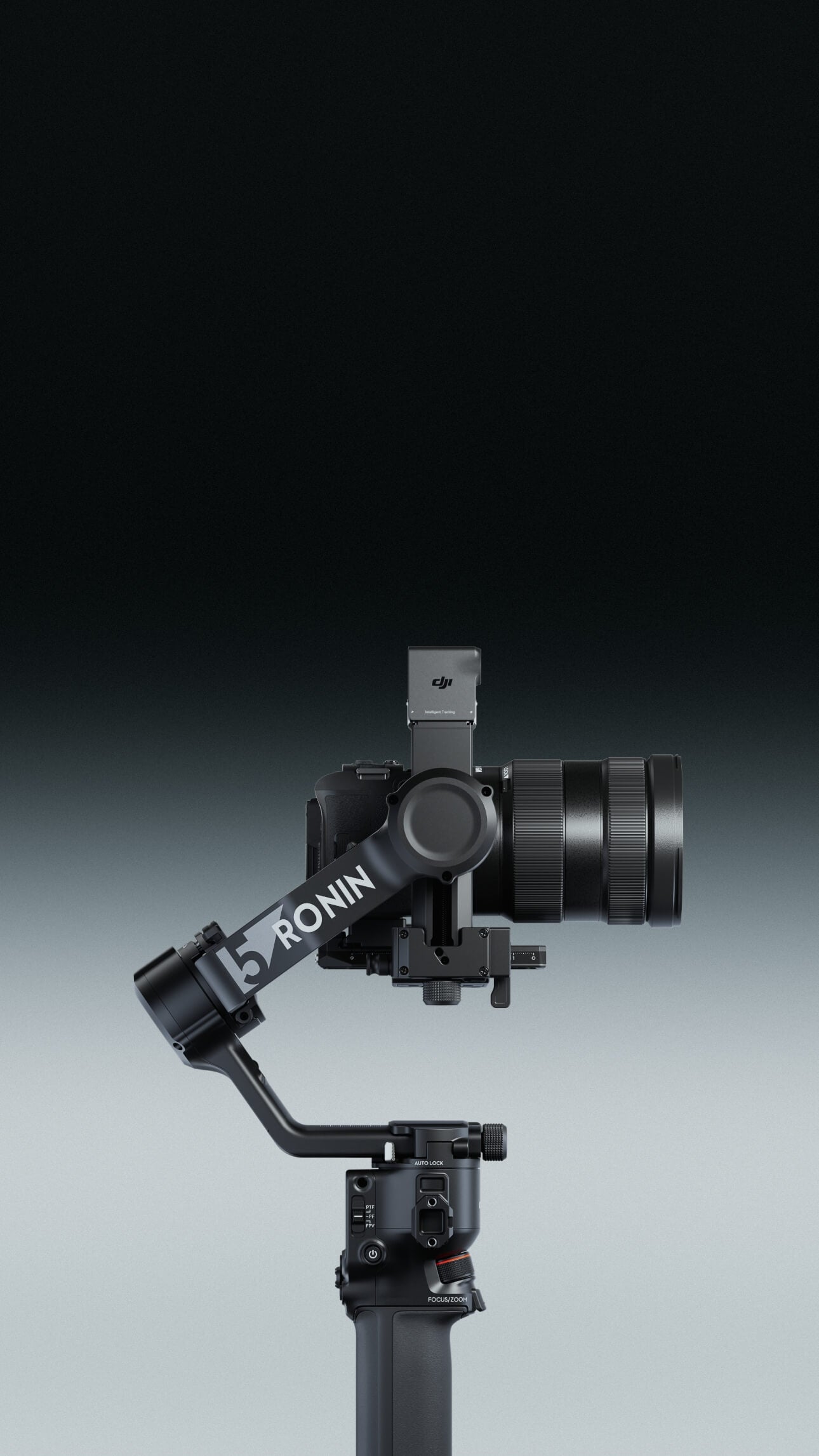
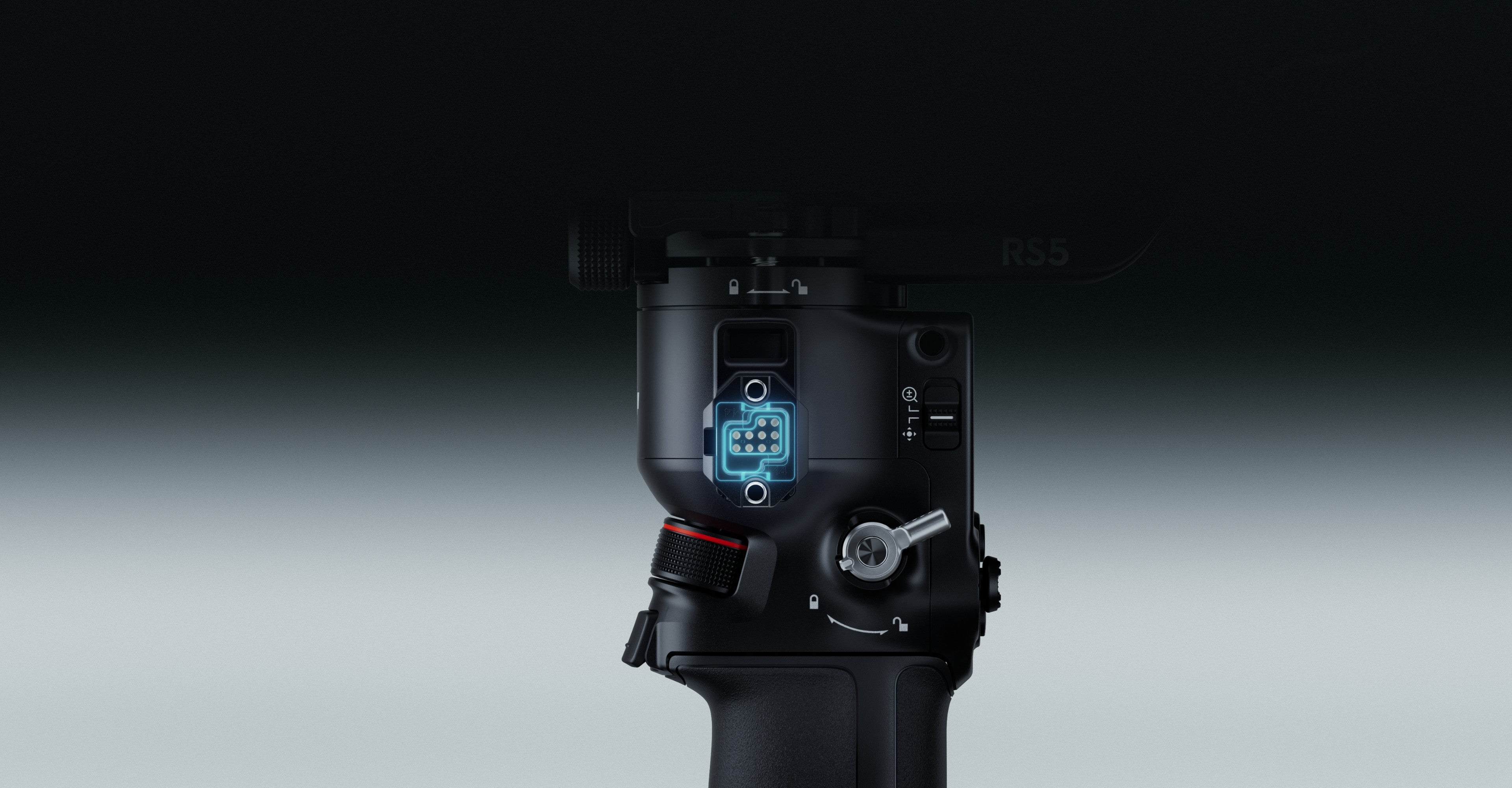
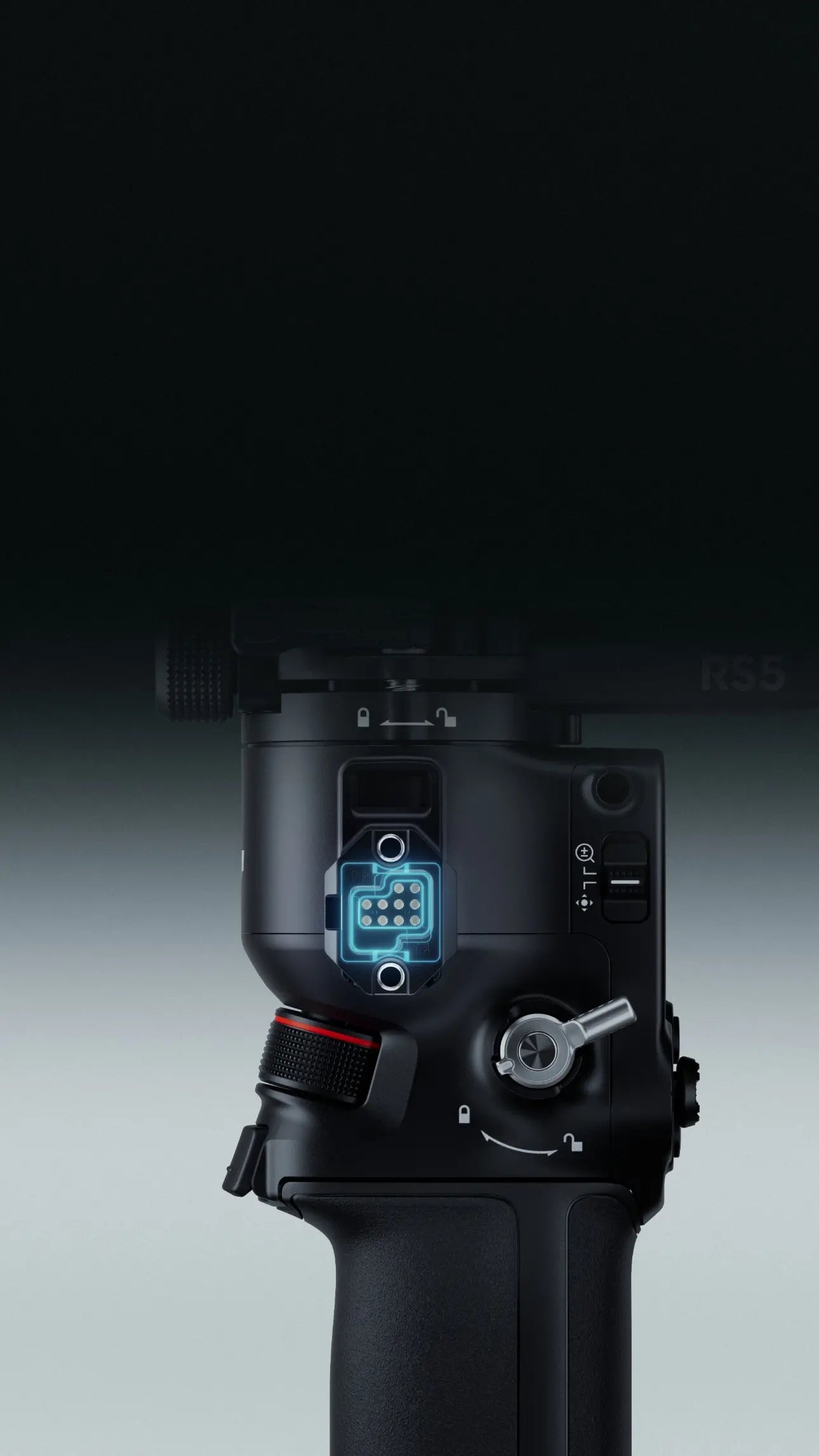
DJI RS 5 features touchscreen subject selection with the new tracking module, smooth balancing from fine-tuning knobs, and direct control via the new briefcase handle—all backed by faster charging and extended battery life.
The module lets you frame and track any subject from the gimbal's touchscreen, keeping it precisely positioned. And when tracking a person, it offers a range of up to 10 meters and can reacquire the subject if they temporarily leave the frame.
Peak motor torque is up by 50% over the previous model, offering stability in fast-moving scenes. The 5th-Gen RS Stabilization Algorithm further enhances stabilization for walking, running, and vertical shooting, striking an ideal balance between stability and control.

The gimbal weighs just 1.46 kg with battery grip and quick-release plates, and switches to vertical shooting without extra accessories. With a robust 3kg (6.6lbs) payload capacity, it can carry mainstream mirrorless camera and lens combinations with ease.
Compatible Examples
Sony: FX3/A7M4/A7C/A1 + FE 24-70mm F2.8
Canon: R5 Mark II + RF 24-70mm F2.8
Nikon: Z6 III/Z7 II + Z 24-70mm F2.8
Panasonic: S5M2 + 24-60mm F2.8
Fujifilm: X-T5 + XF 16-55mm F2.8

The new Electronic Briefcase Handle offers intuitive, effortless single‑handed operation, featuring a joystick and buttons that control the gimbal and camera for more creative angles.
Fully charge DJI RS 5 in just one hour—a 60% increase in speed. The standard battery delivers approximately 14 hours of standby time, a 15% improvement.
15%
Increased Standby Time
60%
Improved Charging Efficiency

The new BG70 High-Capacity Battery Grip can extend RS 5's battery standby time to 30 hours.
30 Hours
Max Standby Time
45W
PD Fast Charging

In addition to cameras from Sony, Canon, and Nikon, the RS 5's Bluetooth shutter now supports specific Panasonic and Fujifilm cameras, enabling wireless control of shutter, zoom, and Clear Image Zoom with no cables required.
The new Z‑Axis Indicator gives you instant feedback to fine‑tune your footsteps for steadier, more professional shots.
Fine-tuning knobs on each axis arm enable quick, precise balancing through a leadscrew mechanism. Combined with Teflon™ interlayers, RS 5 delivers smooth and precise balancing even with heavier professional setups.
The 2nd-Gen Automated Axis Locks automatically lock the gimbal upon power-off or sleep for easier transitions and storage. They unlock just as quickly upon power-on, getting you ready to film in an instant for those critical moments.
To switch to vertical shooting, simply loosen and press the single-side knob, remove the gimbal's horizontal plate, rotate it 90°, and then tighten it back in place—all in just a few seconds.
The Arca-Swiss upper plate and Manfrotto lower plate allow quick switching between gimbal and tripod without rebalancing, thanks to position memory. In addition, the upper plate features an adjustable guide for secure camera mounting.

When paired with two Focus Pro Motors, RS 5 allows cinematographers to adjust the lens zoom via the joystick and precisely control the focus via the dial, facilitating smooth and effortless lens control.

Both independent cinematographers and small crews can utilize the DJI SDR Transmission for high-definition live feeds, remote gimbal and camera control, Force Mobile, and more.

| Peripheral | |
|---|---|
Accessory Port |
|
Battery |
|
Connections |
|
Ronin App Requirements |
|
Languages Supported by the Touchscreen |
|
| Working Performance | |
Tested Payload |
|
Maximum Controlled Rotation Speed |
|
Mechanical Range |
|
Axis Lock |
|
Vertical Shooting |
|
| Mechanical & Electrical Properties | |
Operating Frequency |
|
Bluetooth Transmitter Power |
|
Operating Temperature |
|
Weight |
|
Dimensions |
|
| Accessories | |
DJI RS Enhanced Intelligent Tracking Module |
|
Electronic Briefcase Handle |
|
You have three flexible ways to adjust the composition while tracking: 1. Slide right on the gimbal's home screen and tap the icon in the bottom left to enter ActiveTrack Settings. Under "Composition," you can choose between:
Keep Current Framing: The gimbal will maintain the current composition.
Center Tracking Subject: The subject tracked will be moved to the center of the ActiveTrack view.
2. You can use the joystick on the grip to control the gimbal and compose your shot.
3. The person being filmed can show a "Double L" gesture to activate composition adjustment. After the person moves to a new position, showing the "Double L" gesture a second time locks in the new composition.
1. The DJI RS Enhanced Intelligent Tracking Module can display the tracking view directly on the RS 5 touchscreen, offering a clear view of the tracking status.
2. Supported tracking subjects have expanded from a single person to now include individual vehicles, pets, and any other subject.
3. It also allows you to directly frame a subject on the RS 5 touchscreen to select it for tracking, offering a more intuitive and convenient experience.
4. It automatically detects trackable subjects and displays them in a gray frame. Turn the dial to switch between subjects. Tap a frame to select a subject and start tracking.
When using the Intelligent Tracking Module with DJI RS 5, it only supports tracking human subjects and no other types of subjects. Additionally, the tracking view cannot be displayed on the DJI RS 5 touchscreen.
Please refer to the Ronin Series Compatibility Search page